
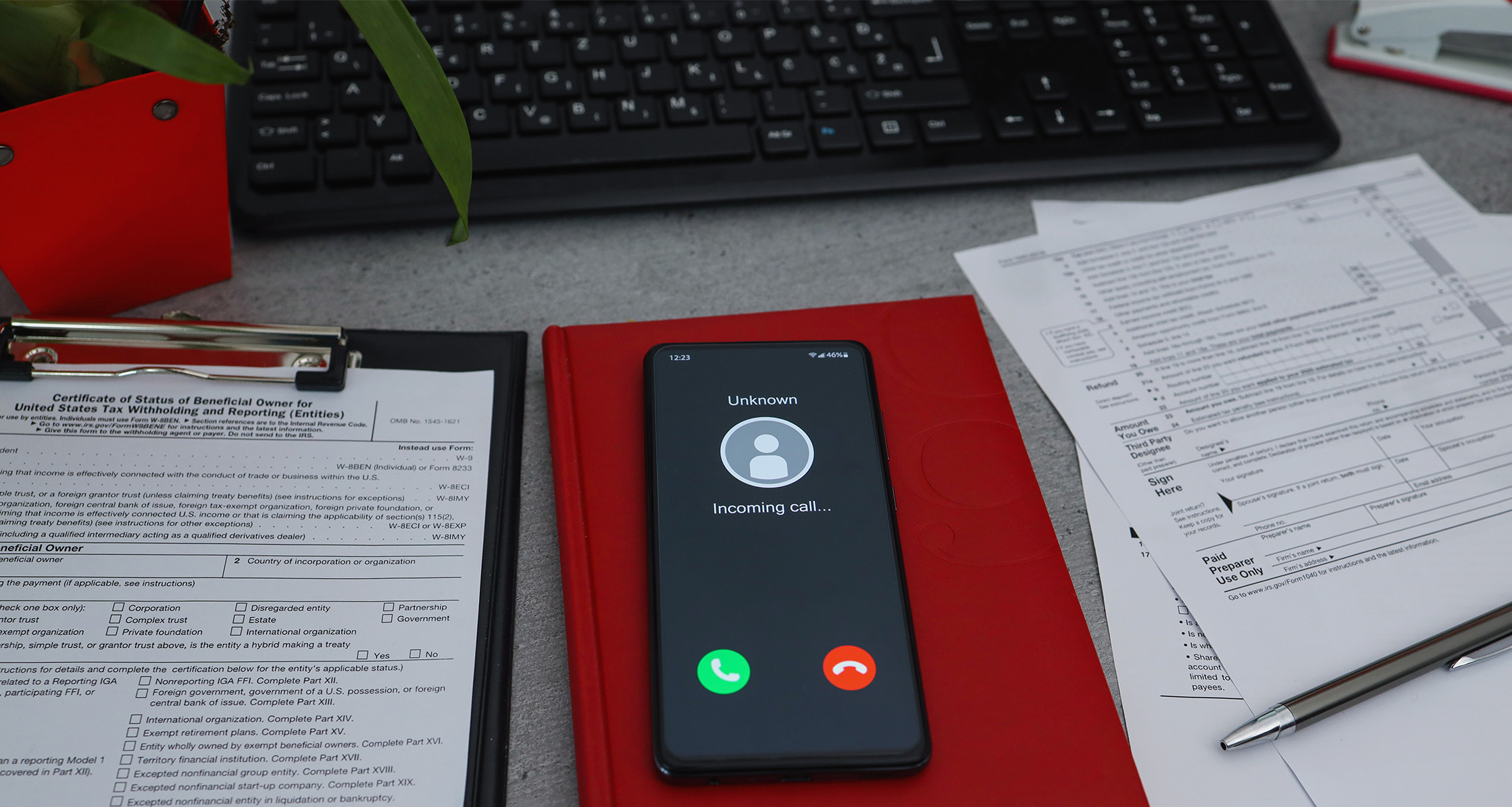
According to the IRS, taxpayers lose millions of dollars each year due to tax-related scams, making it an important topic for Veterans, military members, and their families to understand.
Tax season is here, and for many people, that means thinking about how to get their taxes done on time or how to spend the refund they hope to get. But there’s something else you should be thinking about this tax season – how to avoid falling for a tax scam.
According to the Internal Revenue Service (IRS), taxpayers lose millions of dollars each year due to tax-related scams, making it an important topic for Veterans, military members, and their families to understand.
Learn more about common tax scams, tips for how to avoid them, and resources available to support you this tax season.
What Is a Tax Scam?
A tax scam is a fraudulent attempt by a criminal to steal your money or personal information. The IRS highlights several common tax scams on its website, which include:
- Someone impersonating the IRS or another government official via email, text, or by phone
- A fraudulent tax preparer
- Bad advice from influencers on social media, misleading you to claim tax credits you don’t qualify for
What Should I Watch Out For?
Common red flags of a scam may include:
- A big payday – If something sounds too good to be true, it probably is.
- Demands or threats – Many impersonators will say you have to “pay now” or threaten arrest or deportation if you don’t. Some may demand payment in a certain way. This is a big red flag because the Social Security Administration will never threaten your benefits, and the IRS never threatens to bring in law enforcement.
- Misspellings and grammatical errors – Imposter texts and emails often have errors within the text.
- Unsolicited phone calls or texts – An unexpected caller may claim to represent the IRS or another government agency, and the name may even appear on your caller ID. However, the IRS does not contact people by phone or text without permission. All initial contact from the IRS will arrive by U.S. Postal Service.
- Unsolicited emails – A common scam is to send an official-sounding email that supposedly comes from the IRS and invites you to click a link for information about your tax return or refund. The link may appear to go to the official IRS.gov website, but it either sends you to a fake site that tricks you into giving out personal information or infects your device with malware that allows the scammer to access the information stored on your device. These emails may have eye-catching subject lines like “IRS Important Notice.” Don’t click!
- Requests for personal or financial information – Fraudsters may ask for bank information, your social security number, or other sensitive information.
How Can I Protect Myself From Tax Scams?
- Know how the
 IRS makes contact. The IRS does not initiate contact with taxpayers by email, text message, or social media. If you receive a call from someone claiming to be with the IRS, do not give out any personal information over the phone, such as PINs, passwords, or credit card or bank information. Instead, ask for a reference number, hang up, and use one of the official IRS numbers to call back to confirm if the call was legitimate. If you owe taxes, the IRS will mail you a bill first. IRS agents won’t ask for credit card information or demand you pay, and payments will always go to the U.S. Treasury, not a third party. If you don’t owe taxes and have never received a bill before the call, contact the Treasury Inspector General for Tax Administrationto report the incident.
 - Request an Identity Protection (IP) PIN. An IP PIN can help reduce the risk of tax-related fraud. The IRS encourages taxpayers to enroll in the IP PIN program to receive a unique six-digit number to verify their identity when filing their federal tax returns.
- Maintain healthy habits online. Use strong passwords and change them frequently. Set security software to update automatically, and use multi-factor verification whenever possible. For more tips on staying safe online, check out Healthy Homefront’s article “Protect Yourself from Scams.”
- Understand your benefits. Take time to understand your earnings statements, benefit information, and more. For example, Veterans, your Department of Veterans Affairs (VA) benefits are tax-free, and there is no federal income tax on VA insurance proceeds. Understanding your unique situation can help you differentiate between legitimate communication from the IRS and potential scams. The IRS offers specific guidance and resources to Service members and Veterans for filing their taxes correctly.
- Choose your tax preparer carefully. A legitimate tax preparer is required to sign your return and include their Preparer Tax Identification Number, but unethical tax preparers won’t do this. In addition, they may ask for payment in cash or deliver your refund to their own account. Review your tax return carefully, make sure it’s accurate, and if you’re getting a refund, make sure that it’s your bank information on the final return. You can find a qualified tax professional in your area by visiting the IRS Directory of Federal Tax Return Preparers with Credentials and Select Qualifications.
- Don’t take advice from influencers on social media. According to the IRS, bad tax advice on social media can mislead you about credit or refund eligibility. Influencers may try to convince you to lie on tax forms or incorrectly suggest the IRS is keeping a tax credit secret from you.
- Don’t click. Do not open links or emails that claim to be from the IRS or another government agency. Call the IRS directly if you want to speak with someone.
What Resources Are Available to Help?
- VSAFE – VSAFE offers resources and information about fraud and scams that target military members, Veterans, and their families, as well as a way to report it.
- IRS – The IRS offers several resources related to tax fraud, including how to report fraud, how to recognize scams, and more.
- MilTax – MilTax provides military-specific tax preparation software and expert support to help the military community navigate their taxes accurately. It’s free for Service members, eligible family members, survivors, and Veterans up to 365 days from their separation or retirement date.
When you’re informed, you can stay protected, avoid scams, and have a successful tax season!